
The canvas
Turn a raw capture into something presentable with backgrounds, margins, rounded corners, and a clean shadow.
Reclio records your screen and lets you polish it with backgrounds, zoom, and sound without leaving the app. Everything stays on your Mac.
Free core recording · No account · macOS only
Requires macOS 13.0 or later. Compatible with Apple Silicon and Intel Macs.
Built for clarity
Record first, then make the important parts easier to see.
Turn a raw capture into something presentable with backgrounds, margins, rounded corners, and a clean shadow.
Place draggable zoom blocks where attention matters, then adjust their duration and transition without rebuilding the edit.
Add a pointer highlight and clear click marks so viewers can follow each action without losing their place.
How it works
A focused workflow for screen recordings that need to be clear, polished, and ready to share.
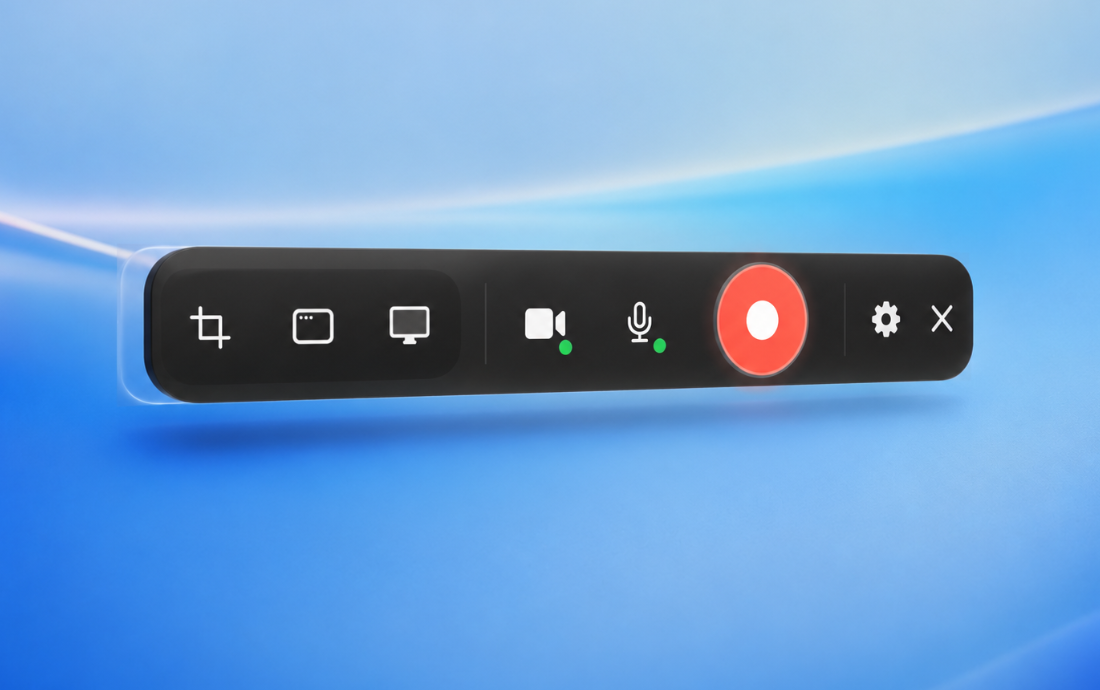
Capture a selected area, a window, or the full screen. Set your webcam, mic, countdown, and cursor effects before you start.
Trim the clip, choose a background, add zoom blocks, and adjust audio. Autosave keeps the edit safe as you work.
Export straight to MP4. No project files to organize or cloud workspace to manage.
Designed for your Mac
Native macOS app — not a wrapped web app
Everything runs on your machine — no cloud, no upload
Signed and notarized outside the Mac App Store
Pricing
Start with seven days of everything unlocked, no card required. After the trial, Reclio keeps working on the free plan.
$0
Free forever
Record and export. No watermark, no time limit.
DownloadIncluded
$39
One-time payment
Everything unlocked on one Mac, with one year of updates.
Buy PersonalIncluded
$149
One-time payment
Five Mac activations on one team license, with a single invoice.
Buy Team PackSelect Reclio Team at checkout.
Included
Personal licenses cover one Mac per user and are not freely transferable between Macs.
Need more seats? Choose a Team Pack.
Requires macOS 13.0 or later. Compatible with Apple Silicon and Intel Macs.
FAQ
No. Recording and editing run locally on your Mac.
Not currently. Reclio focuses on recording and polishing the visual presentation of a fresh capture.
Not currently. Reclio records microphone audio, not system audio.
Not currently. Reclio is built specifically for macOS.
No. It is designed to polish a fresh screen recording, not for multitrack editing or assembling long-form videos.
Reclio keeps working on the free plan. Recording and MP4 export remain free, with no watermark or time limit.
No. Recording and editing happen entirely on your Mac. Reclio does not upload your content.
Only anonymous usage data, and it is off by default. You can change it anytime in Settings. Reclio never sends recording content, filenames, window titles, or hardware identifiers.Read the Privacy Policy.
No. A Personal license covers one Mac per user and is not freely transferable between Macs. Team Packs cover multiple Macs.
Quit Reclio, then drag it from your Applications folder to the Trash. To remove its settings too, delete the folder ~/Library/Application Support/Reclio. Reclio installs no extra software, background services, or browser extensions.
Available for macOS
Record, polish, and export without sending your work to the cloud.